Usability testing is essential for creating digital products that users love. Whether you're validating a new design, identifying friction points, or optimizing conversion rates, the right usability testing tool can transform how you understand and improve user experiences.
The usability testing market has evolved significantly, with platforms now offering everything from unmoderated remote testing to AI-powered insight analysis.
According to Nielsen Norman Group, testing with just 5 users can uncover 85% of usability problems, making these tools invaluable for teams of all sizes.
Key Takeaways
- Useberry and UXtweak lead the pack for teams needing multi-method research platforms with comprehensive testing capabilities
- Enterprise organizations benefit most from UserTesting and Userlytics, which offer global participant networks and AI-driven insights
- Budget-conscious teams can start with free plans from Hotjar, Lyssna, or Useberry before scaling to paid tiers
- Specialized tools like User Interviews excel at participant recruitment, while Hotjar focuses on behavior analytics and heatmaps
- Modern usability testing platforms increasingly integrate AI analysis, automated workflows, and cross-functional collaboration features
Evaluation Criteria
We evaluated these usability testing tools based on comprehensive research of their features, pricing, user reviews, and real-world applications. Our assessment focused on testing capabilities, participant recruitment options, analysis tools, integration ecosystems, and value for different team sizes. We prioritized platforms that offer transparent pricing, robust feature sets, and proven track records with established user bases. Each tool was evaluated for its specific strengths and ideal use cases to help you find the best fit for your research needs.
- Testing Methods: Look for platforms that support the research methods you need most—whether that's card sorting, tree testing, first-click tests, preference testing, or moderated interviews.
- Participant Recruitment: Consider whether you need access to a participant panel, the size and quality of that panel, and targeting capabilities for reaching your specific audience demographics.
- Analysis and Insights: Evaluate how the platform helps you analyze results, from basic reporting to AI-powered pattern recognition, sentiment analysis, and automated insight generation.
- Integration Ecosystem: Check for integrations with your existing tools like Figma, Zoom, Slack, or project management platforms to streamline your research workflow.
- Pricing Structure: Understand whether the platform charges per test, per user, or offers unlimited testing, and whether there's a free plan or trial to test before committing.
- Scalability: Consider whether the platform can grow with your needs, from individual researchers to enterprise teams conducting hundreds of studies across multiple geographies.
Comparison Table
1. Useberry
Best for Multi-method UX research and design validation
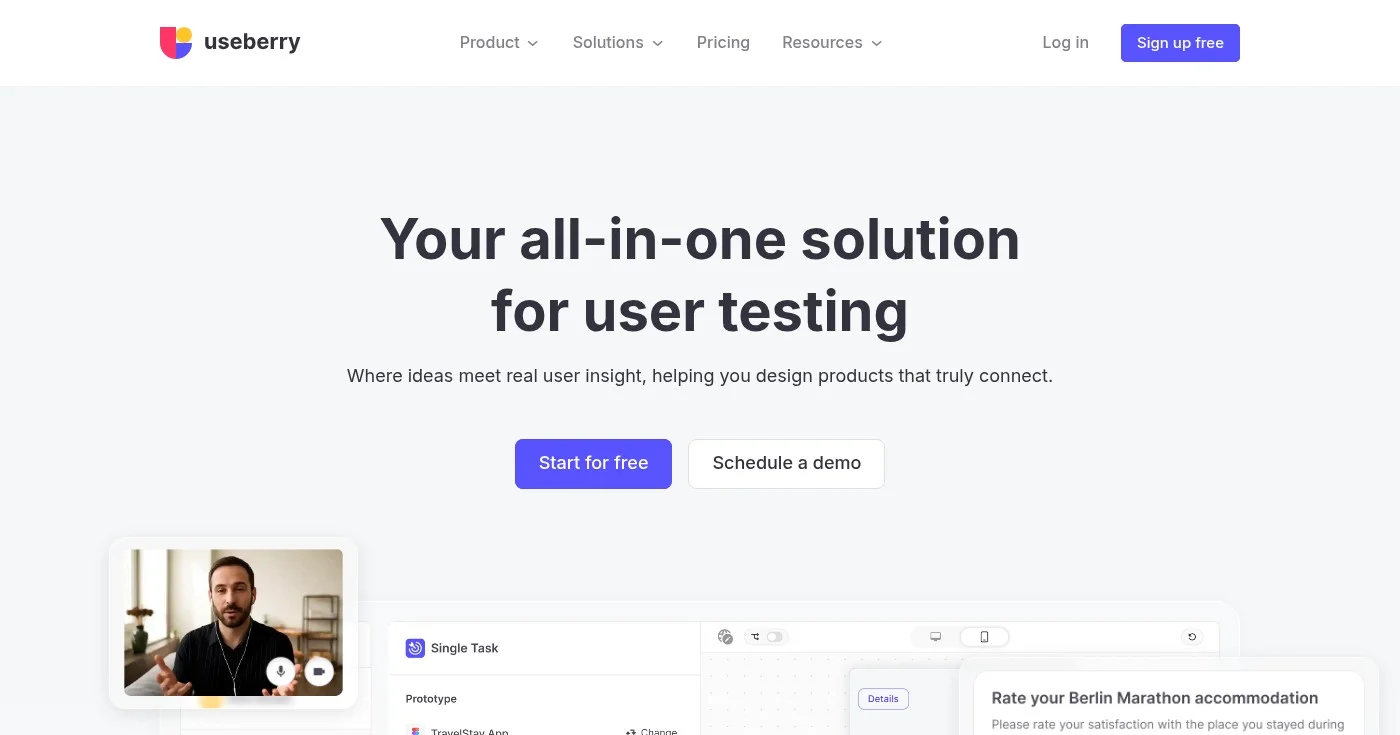
Useberry is an all-in-one UX research and usability testing platform designed to help teams understand how users think, click, and feel. It stands out for its ability to combine multiple research methods in a single platform, making it quick to set up studies and easy to scale research efforts.
The platform enables you to mix and match research methods like card sorting, tree testing, first-click testing, and 5-second tests to validate design decisions and uncover usability issues. With built-in participant recruitment and user analytics, Useberry reveals real behavioral patterns that drive confident design decisions.
Key Features
- Multi-method research platform: Combine card sorting, tree testing, first-click testing, 5-second tests, and preference testing in one platform to get comprehensive user insights.
- Fast participant recruitment: Access qualified participants quickly without managing your own recruitment process, accelerating your research timeline.
- User analytics and behavior tracking: Track real user behavior patterns with detailed analytics that reveal how users interact with your designs.
- Single task testing: Focus on specific user tasks to identify friction points and validate whether users can complete key actions successfully.
- Online surveys and questions: Gather qualitative feedback alongside behavioral data to understand not just what users do, but why they do it.
Pros
- Quick to start and easy to scale research studies
- Mix and match multiple research methods in one platform
- Fast participant recruitment saves time and effort
- Reveals real user behavior patterns with detailed analytics
- Simple and powerful interface that's easy to learn
- Free plan available for getting started
Cons
- Limited platform information available beyond web
- Some advanced features may require paid plans
Pricing
Useberry offers a free plan to get started, with the Growth plan at $67/mo (billed yearly, saving $144 annually). Enterprise pricing is available by contacting sales. For more details, visit their pricing page.
- Free: $0/mo
- Growth: $67/mo (billed yearly)
- Enterprise: Contact sales
View pricing details
2. UXtweak
Best for Enterprise teams conducting global UX research
UXtweak is a comprehensive UX research and usability testing platform that enables teams to recruit participants, conduct moderated and unmoderated studies, and analyze findings all in one place. It's particularly strong for enterprise and mid-market teams that need to conduct research across multiple geographies.
The platform supports various research methods from concepts to production, including card sorting, tree testing, session recording, and mobile app testing. With access to a high-quality global user panel covering 130+ countries and advanced targeting with 2,000+ attributes, UXtweak makes it easy to reach precisely the right participants for your research.
Key Features
- Global user panel with 130+ country coverage: Access high-quality participants across 130+ countries with advanced targeting using 2,000+ demographic and behavioral attributes.
- Comprehensive testing methods: Conduct card sorting, tree testing, preference testing, five-second tests, surveys, session recording, and more—all in one platform.
- Mobile app testing: Test mobile applications alongside websites and prototypes to ensure consistent user experiences across all platforms.
- Study interviews and freeform interviews: Conduct both structured and unstructured interviews to gather deep qualitative insights from users.
- Advanced participant recruitment: Recruit from the user panel, use onsite recruiting, or manage your own database with flexible recruitment options.
Pros
- All-in-one platform covering multiple UX research methods
- High-quality global user panel with 130+ country coverage
- Advanced targeting with 2,000+ demographic attributes
- Hands-on support with UX researchers on customer success team
- Mobile app testing capabilities included
- Free plan available for getting started
Cons
- Full pricing details require contacting sales for custom plans
- Web-only platform based on available information
- May be overkill for small teams with simple testing needs
Pricing
UXtweak offers a free plan to start, with the Business plan at €92/mo (billed annually with discount). Custom enterprise pricing is available by contacting their team. For more details, visit their pricing page.
- Free: €0/mo
- Business: €92/mo (billed annually)
- Custom: Contact for quote
View pricing details
3. Trymata
Best for Remote usability testing with video recordings
Trymata is a website and usability testing platform that enables businesses to conduct comprehensive user experience (UX) and user interface (UI) testing on their digital products. It excels at remote usability testing with video recording capabilities, making it ideal for teams that want to watch real users interact with their products.
The platform provides remote usability testing, product analytics, and a research repository to gather user feedback and insights. With task scripting and survey capabilities, you can design custom tests that capture exactly the insights you need, while the paid tester network ensures you have access to qualified participants.
Key Features
- Video recording of user sessions: Watch real users interact with your product through video recordings that capture both screen activity and user commentary.
- Task scripting and survey capabilities: Design custom test scenarios with specific tasks and follow-up questions to gather targeted insights.
- Paid tester network: Access a network of paid testers who match your target audience demographics without managing your own recruitment.
- Product analytics: Analyze user behavior patterns and identify trends across multiple test sessions to inform product decisions.
- Research repository: Store and organize all your research findings in one central location for easy access and knowledge sharing across teams.
Pros
- Comprehensive video recording captures real user behavior
- Remote testing reduces logistics and geographical constraints
- Includes product analytics and research repository
- Access to paid tester network simplifies recruitment
- Multi-language support for international testing
- Free PayGO plan available
Cons
- Higher pricing compared to some competitors
- Limited details on analytics depth in available content
- No information on reporting or export features
Pricing
Trymata offers a free PayGO plan to start, with the Team plan at $399/mo or $349/mo (billed yearly). Enterprise plans start at $2,000/mo or $1,833/mo (billed yearly). For more details, visit their pricing page.
- PayGO: Free
- Team: $399/mo
- Team (Annual): $349/mo (billed yearly)
- Enterprise: $2,000/mo
- Enterprise (Annual): $1,833/mo (billed yearly)
View pricing details
4. Lyssna
Best for Moderated and unmoderated user research at scale
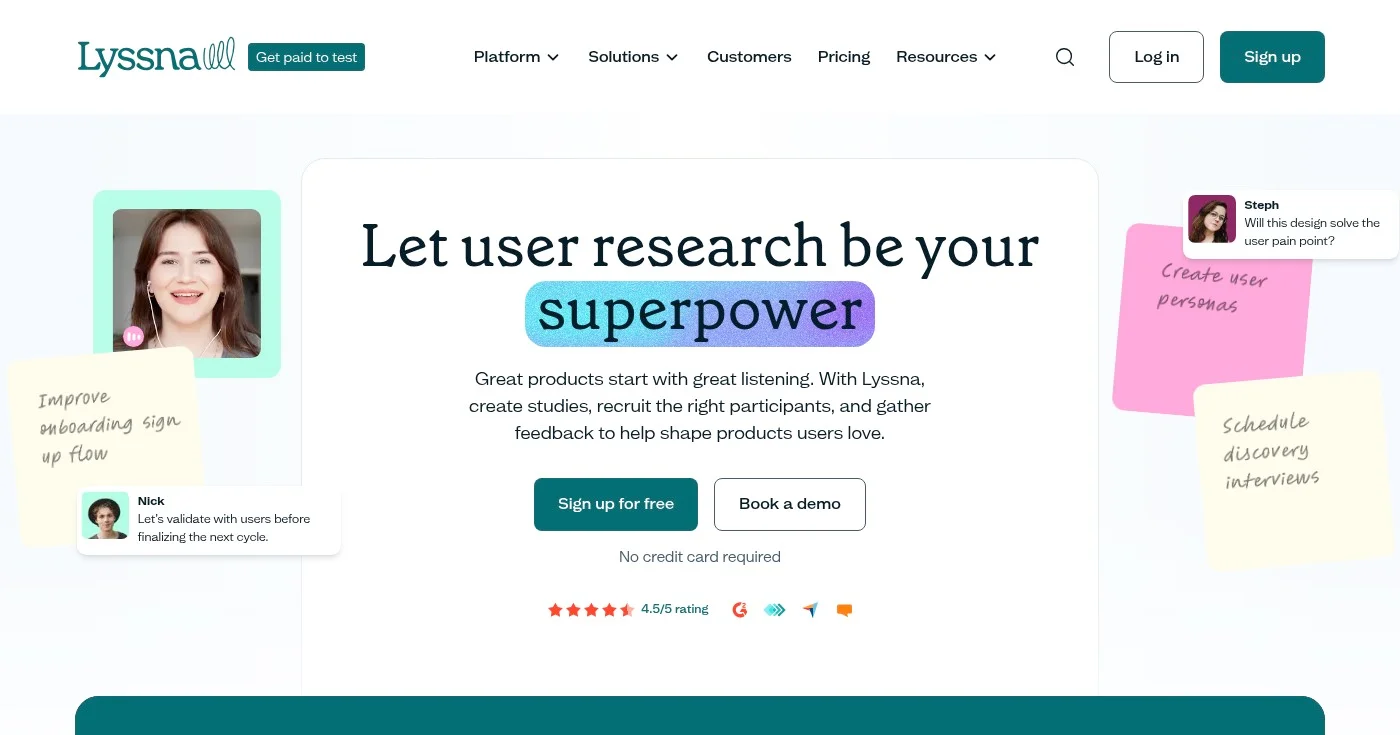
Lyssna is a user research and usability testing platform that enables teams to conduct moderated interviews, unmoderated tests, and surveys to gather comprehensive user feedback. It's particularly strong for teams that need flexibility in their research approach, supporting both qualitative and quantitative methods.
The platform provides participant recruitment from a panel of 690,000+ vetted users with 395+ demographic and psychographic filters, making it easy to reach your exact target audience. With data analysis tools that identify patterns and generate actionable insights, plus integrations with Zoom, Figma, and Microsoft Teams, Lyssna streamlines your entire research workflow.
Key Features
- Large vetted participant panel: Access 690,000+ vetted participants with 395+ demographic and psychographic filters to reach your precise target audience.
- Moderated and unmoderated testing: Conduct live moderated interviews or set up unmoderated tests that participants complete on their own time for maximum flexibility.
- Data analysis and synthesis tools: Automatically identify patterns in your research data and generate actionable insights without manual analysis.
- Comprehensive integrations: Connect with Zoom, Outlook, Microsoft Teams, Google Calendar, and Figma to streamline your research workflow.
- Survey tools: Create and distribute surveys to gather quantitative data alongside qualitative insights from interviews and tests.
Pros
- Comprehensive research toolkit covering interviews, tests, and surveys
- Large vetted participant panel with 690,000+ users
- Extensive filtering options with 395+ demographic attributes
- All-in-one platform for recruitment, scheduling, and analysis
- Strong integration ecosystem with popular tools
- Free plan available
Cons
- Full pricing details not provided for all tiers
- Platform limitations not clearly specified
Pricing
Lyssna offers a free plan to get started, with the Starter plan at $83/mo and Growth at $166/mo. Enterprise pricing is available by contacting their team. For more details, visit their pricing page.
- Free: $0
- Starter: $83/mo
- Growth: $166/mo
- Enterprise: Custom pricing
View pricing details
5. UserTesting Human Insight Platform
Best for Enterprise customer insight and behavioral analysis
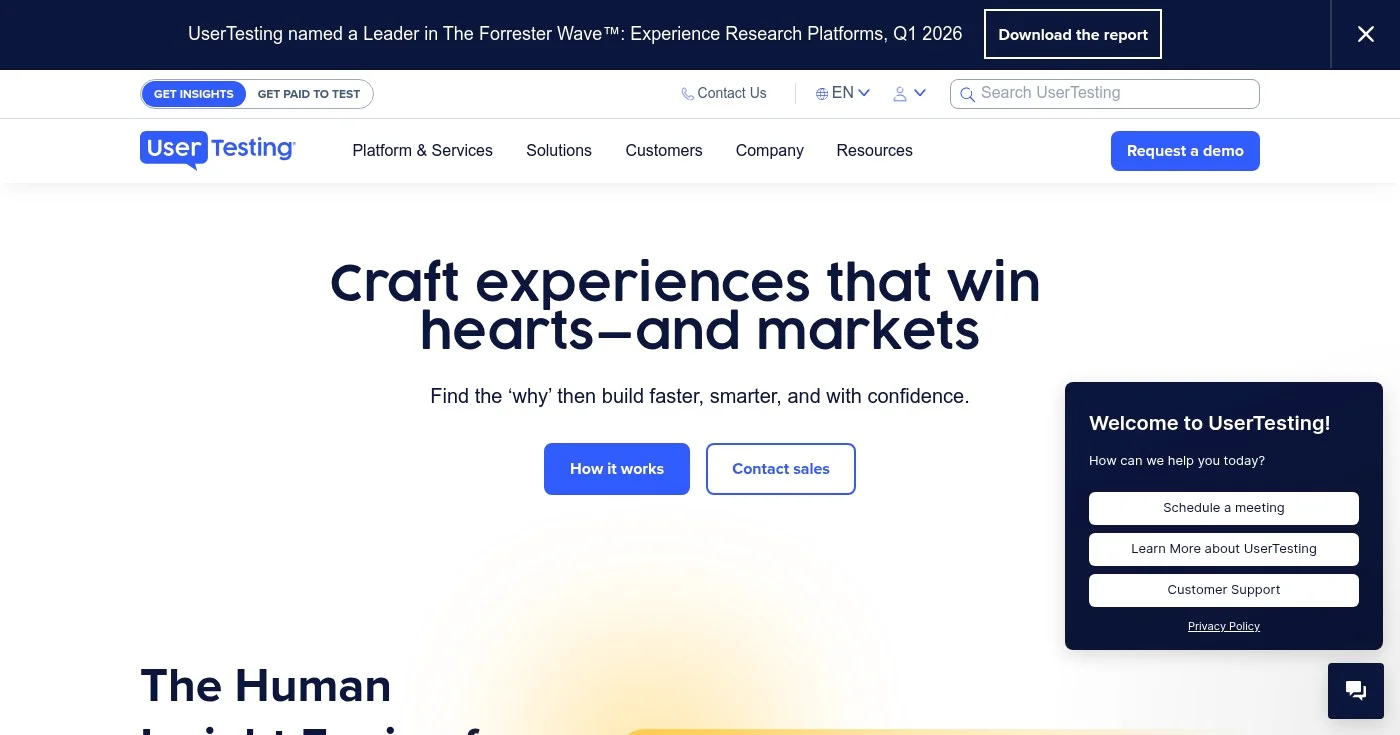
UserTesting is an enterprise-grade human insight platform that combines a global participant network with AI-driven technology to gather customer feedback and insights at scale. It's designed for large organizations that need to understand customer behavior across multiple business functions—from marketing and product development to digital commerce and customer experience.
The platform enables you to validate design decisions, optimize experiences, and make customer-centric decisions through real user insights and behavioral analysis. With AI-driven insight engines, expert-led services, and comprehensive coverage across business functions, UserTesting is built for enterprises that need sophisticated research capabilities.
Key Features
- Global participant network: Access the world's largest global participant network to gather feedback from real users across diverse demographics and geographies.
- AI-driven insight engine: Leverage artificial intelligence to analyze user feedback, identify patterns, and generate insights faster than manual analysis.
- Expert-led services: Get support from research experts who can help design studies, analyze results, and translate insights into action.
- Multi-function coverage: Support research needs across marketing, product development, digital commerce, customer experience, and UX design teams.
- Sentiment and behavior analysis: Understand not just what users do, but how they feel about their experiences through advanced sentiment analysis.
Pros
- Access to world's largest global participant network
- AI-powered insights accelerate decision-making
- Expert-led services included for research support
- Comprehensive coverage across business functions
- Enterprise-grade security and scalability
- Advanced sentiment and behavior analysis
Cons
- No transparent pricing available; requires contacting sales
- Enterprise-focused, likely expensive for small businesses
- Limited information on free trial or freemium options
- May require participant recruitment costs on top of platform fees
Pricing
UserTesting offers multiple enterprise plans including Test-based Consumption, Team-based Unlimited, Advanced, Ultimate, and Ultimate+ tiers. All pricing requires contacting their sales team. For more details, visit their pricing page.
- Test-based Consumption: Contact sales
- Team-based Unlimited: Contact sales
- Advanced: Contact sales
- Ultimate: Contact sales
- Ultimate+: Contact sales
View pricing details
6. Userlytics
Best for Global UX research with expert consulting support
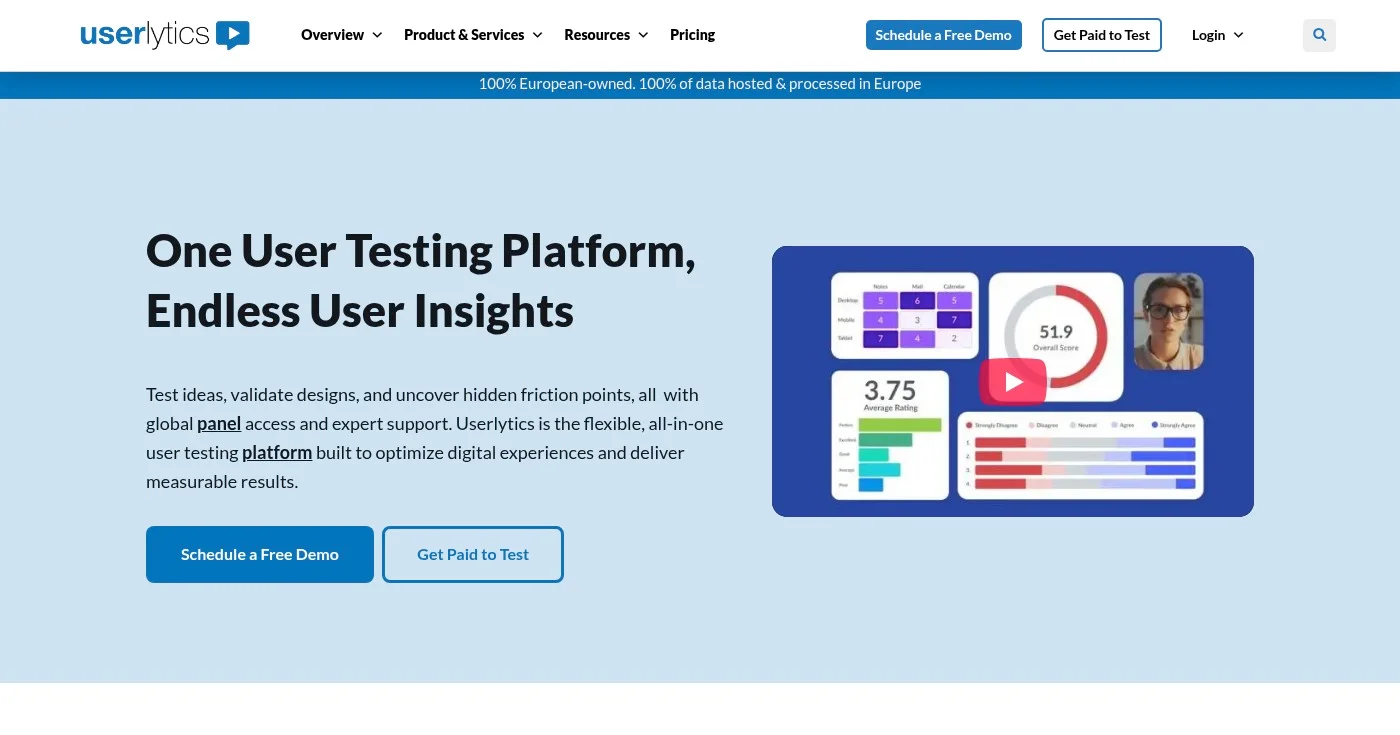
Userlytics is an all-in-one user testing platform for UX research and usability testing that combines powerful SaaS tools with expert consulting support. It's ideal for teams that need comprehensive global research capabilities with access to 2 million+ participants across 150+ countries and 30+ languages.
The platform enables you to test ideas, validate designs, and uncover friction points through moderated and unmoderated studies. With AI UX Analysis, a proprietary ULX Benchmarking Score, and expert consulting support, Userlytics provides both the technology and expertise needed for sophisticated digital experience optimization.
Key Features
- Massive global participant pool: Access 2 million+ participants across 150+ countries and 30+ languages for truly global user research.
- AI UX Analysis: Leverage artificial intelligence to analyze user sessions, identify patterns, and generate insights automatically.
- ULX Benchmarking Score: Use Userlytics' proprietary UX metric to benchmark your digital experiences against industry standards and competitors.
- Comprehensive testing methodologies: Conduct moderated/unmoderated testing, prototype testing, card sorting, tree testing, surveys, and quantitative testing all in one platform.
- Expert consulting support: Get hands-on support from UX research experts who can help design studies, analyze results, and provide strategic recommendations.
Pros
- Unlimited team seats with no extra fees
- Massive global participant pool (2M+) across 150+ countries
- Comprehensive all-in-one platform with multiple testing methodologies
- Proprietary ULX Benchmarking Score for competitive analysis
- Expert consulting support included
- AI-powered analysis tools
Cons
- Pricing not transparent on website (requires contacting sales)
- Limited information on free trial or freemium options
- May be overkill for small teams or simple testing needs
- Complexity of platform may require training time
Pricing
Userlytics offers Enterprise, Limitless, Self Recruitment (Premium and Advanced), and Project Based plans. All pricing requires contacting their sales team for custom quotes. For more details, visit their pricing page.
- Enterprise Plan: Contact sales
- Limitless Plan: Contact sales
- Self Recruitment Plans: Contact sales
- Project Based Plan: Contact sales
View pricing details
7. Hotjar
Best for Behavior analytics and website heatmap visualization
Hotjar is a website heatmaps and behavior analytics platform that helps teams understand user interactions and improve digital experiences. Now part of Contentsquare, it's trusted by 1.3+ million websites globally and is particularly strong for teams that want to visualize user behavior through heatmaps and session recordings.
The platform combines heatmaps, session replay, funnels, surveys, and user testing tools to provide comprehensive insights into how visitors interact with websites and apps. With AI-powered summaries and an easy-to-use interface, Hotjar makes it simple to identify conversion blockers and optimize user experiences without technical expertise.
Key Features
- Heatmaps: Visualize user clicks, movement, and scroll behavior to understand which elements attract attention and which are ignored.
- Session Replay: Watch real user journeys through video recordings to spot bugs, friction points, and opportunities for improvement.
- Funnels: Identify where users drop off across key journeys to optimize conversion rates and reduce abandonment.
- Surveys and feedback: Collect and analyze user feedback with AI-powered summaries that highlight key themes and insights.
- User testing: Get unfiltered feedback on sites and prototypes directly from users to validate design decisions.
Pros
- Easy to use and quick to set up
- Comprehensive all-in-one platform combining multiple tools
- Trusted by 1.3+ million websites globally
- AI-powered insights and summaries
- No credit card required for free plan
- Strong visualization capabilities with heatmaps
Cons
- Product Analytics from Heap integration still rolling out
- Specific paid pricing tiers not clearly outlined on homepage
Pricing
Hotjar offers a generous free plan with no credit card required. The Growth plan starts at $49/mo, while Pro and Enterprise pricing is available by contacting sales. For more details, visit their pricing page.
- Free: $0/mo
- Growth: $49/mo
- Pro: Contact sales
- Enterprise: Contact sales
View pricing details
8. User Interviews
Best for Fast participant recruitment from large user panels
User Interviews is a user research recruiting platform that connects researchers with quality participants from a panel of 6 million users. It excels at fast participant recruitment, with the first match typically arriving within 1 hour, making it ideal for teams that need to move quickly on research projects.
The platform enables fast participant recruitment, research study management, and automated workflows for user research, market research, and AI training projects. With AI-powered participant matching and fraud detection, plus integration with 22+ research and testing tools, User Interviews streamlines the entire recruitment and study management process.
Key Features
- Large participant panel: Access 6 million vetted users for fast, reliable participant recruitment across diverse demographics and industries.
- AI-powered matching and fraud detection: Leverage AI to match the right participants to your studies while automatically detecting and filtering out fraudulent responses.
- Participant CRM: Manage your research studies, track participants, and maintain your own user panel database in one central platform.
- Automated workflows: Automate scheduling, incentives, consent forms, and contact rules to save time and reduce manual administrative work.
- Extensive integrations: Connect with 22+ research and testing tools including Zoom, UserTesting, Lookback, and more to streamline your workflow.
Pros
- Fast participant matching (1 hour to first match)
- Large participant pool with 6 million users
- AI-powered fraud detection and matching
- High session satisfaction (98% positive feedback)
- Extensive integrations with 22+ tools
- Flexible pricing options
Cons
- Per-session pricing can add up for frequent research
- Web-only platform
- Dependent on panel quality for non-custom recruitment
Pricing
User Interviews offers Pay As You Go pricing starting at $49/session (standard) or $98/session (advanced targeting). Essential plans are $82/session monthly or $41/session annually. Custom plans start at 250 sessions with negotiable rates. For more details, visit their pricing page.
- Pay As You Go: $49/session (standard), $98/session (advanced targeting)
- Essential (Monthly): $82/session
- Essential (Annual): $41/session
- Custom: Starts at 250 sessions, negotiable rate
View pricing details
9. Lookback
Best for Unmoderated testing with integrated recruitment

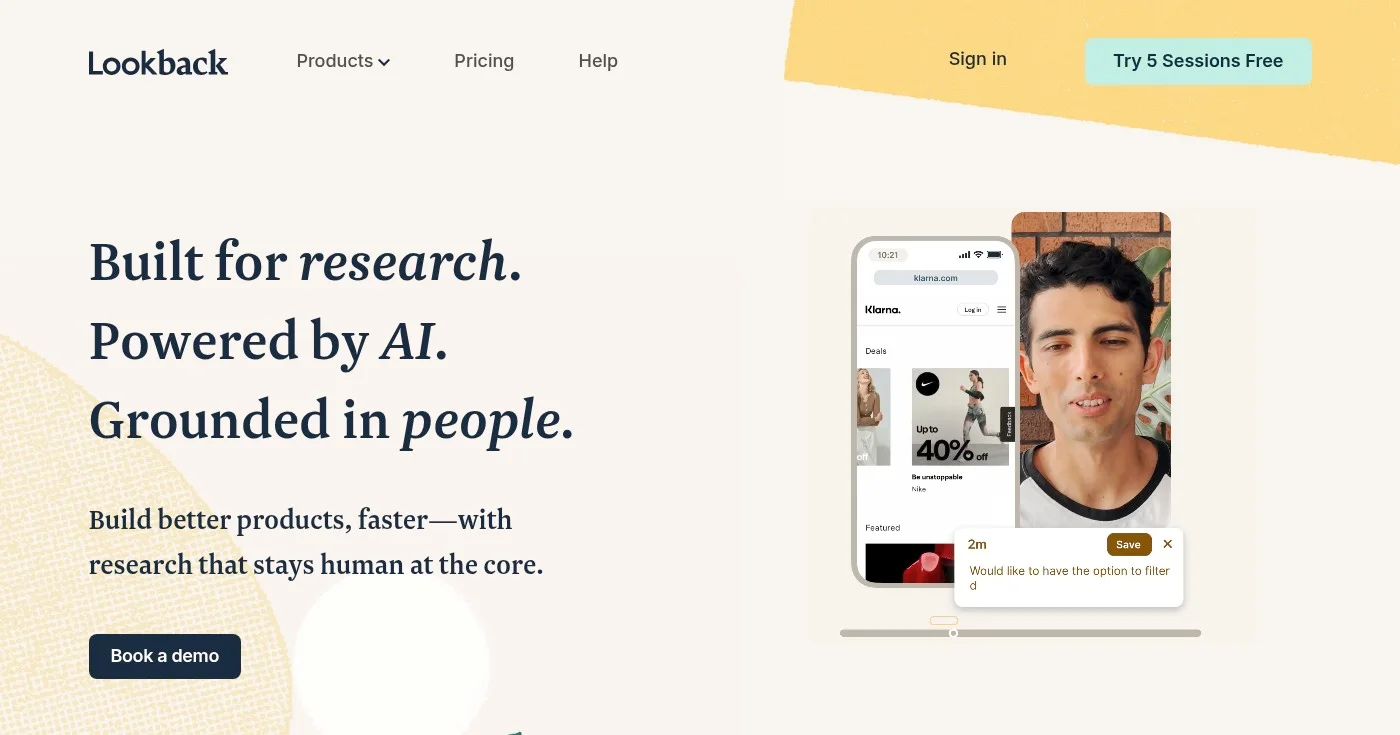
Lookback is an unmoderated testing tool that integrates seamlessly with User Interviews for participant recruitment. It's designed for teams that want to conduct remote user research without the need for live moderation, making it efficient for gathering insights at scale.
The platform enables you to set up unmoderated studies where participants complete tasks on their own time while their sessions are recorded. By integrating with User Interviews, Lookback provides access to a large participant panel while maintaining a streamlined workflow for managing and analyzing research sessions.
Key Features
- Unmoderated testing: Set up studies that participants complete on their own time, allowing you to gather insights without scheduling live sessions.
- User Interviews integration: Seamlessly recruit participants from User Interviews' 6 million user panel directly within the Lookback platform.
- Session recording: Automatically record participant sessions including screen activity and audio commentary for later analysis.
- Remote research capabilities: Conduct research with participants anywhere in the world without geographical or logistical constraints.
- Participant management: Manage participants, track study progress, and organize research sessions in one centralized platform.
Pros
- Seamless integration with User Interviews for recruitment
- Unmoderated approach saves time and scheduling hassle
- Remote research eliminates geographical constraints
- Session recording captures detailed user behavior
- Efficient for gathering insights at scale
Cons
- No transparent pricing available
- Limited feature information available
- Requires separate User Interviews account for recruitment
- No free plan or trial information available
Pricing
Lookback requires contacting their sales team for pricing information. For more details, visit their pricing page.
- Contact for pricing: Contact sales
View pricing details
10. Maze
Best for Rapid unmoderated prototype and design testing
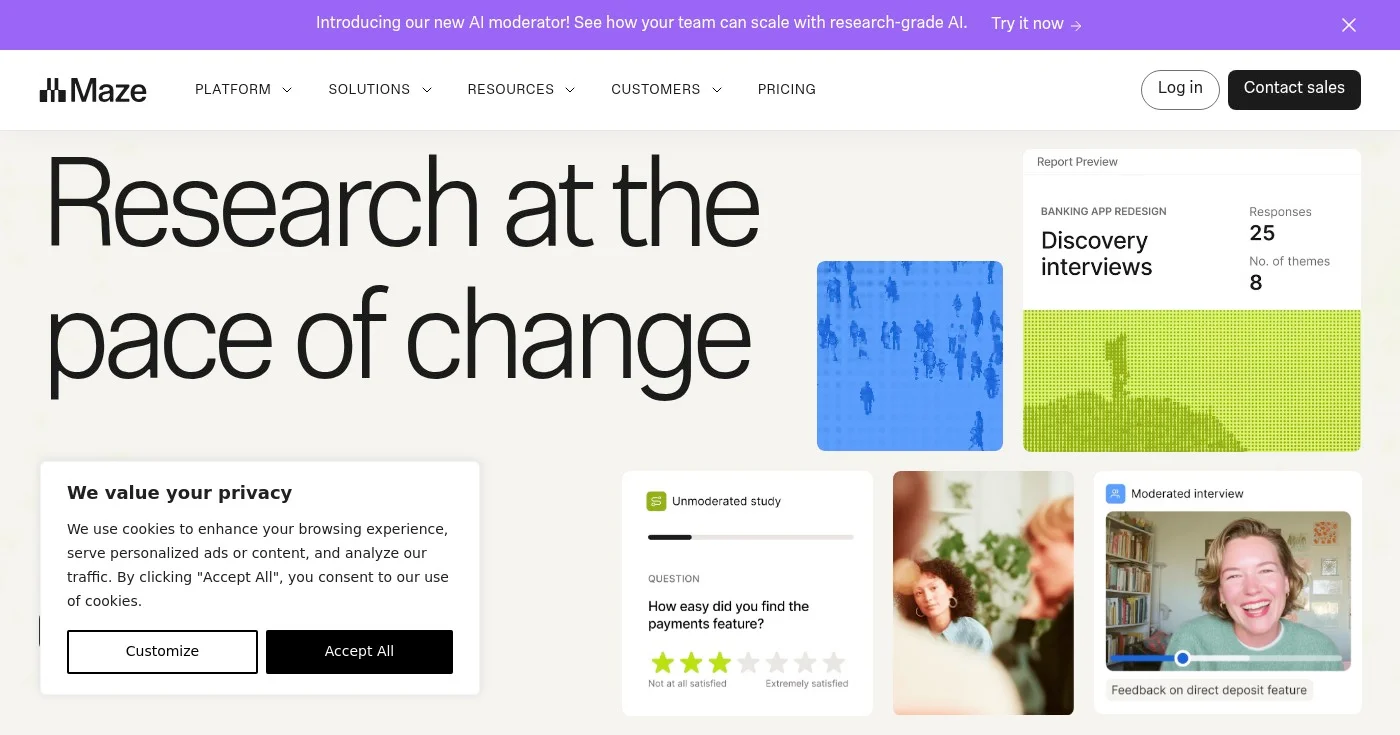
Maze is an unmoderated testing tool designed for rapid prototype and design validation. It's particularly useful for design teams that need quick feedback on prototypes, wireframes, and design concepts without the overhead of moderated sessions.
The platform enables you to set up unmoderated studies where participants interact with your designs and provide feedback through structured tasks and questions. Maze focuses on speed and simplicity, making it easy to validate design decisions quickly and iterate based on user feedback. Note that unlike most other tools in this comparison, Maze does not currently support testing of mobile apps.
Key Features
- Prototype testing: Test interactive prototypes from tools like Figma, Sketch, and Adobe XD to validate design decisions before development.
- Unmoderated studies: Set up studies that participants complete independently, allowing you to gather feedback quickly without scheduling.
- Design validation: Validate design concepts, wireframes, and user flows with real users to ensure your designs meet user needs.
- Quick insights: Get rapid feedback on design decisions to accelerate your design iteration cycle and reduce time to market.
- Collaboration tools: Share findings with your team and collaborate on insights to align everyone on user feedback and next steps.
Pros
- Fast setup for rapid design validation
- Unmoderated approach saves time
- Strong integration with design tools like Figma
- Focused on design team workflows
- Quick insights accelerate iteration
Cons
- Does not support mobile app testing
- No transparent pricing available
- Limited feature information available
- No free plan information available
Pricing
Maze requires contacting their sales team for pricing information. Pricing details are not publicly available on their website.
- Contact for pricing: Contact sales
How to Choose
Selecting the ideal usability testing tool depends on your specific research needs, team size, budget, and the types of insights you're looking to gather. Consider these key factors:
- Research methodology needs: Determine which testing methods you'll use most frequently. If you need multiple methods like card sorting, tree testing, and first-click tests, choose an all-in-one platform like Useberry or UXtweak. For behavior analytics and heatmaps, Hotjar is ideal. For participant recruitment specifically, User Interviews excels.
- Participant recruitment requirements: Consider whether you need access to a participant panel or plan to recruit your own users. Platforms like Lyssna (690,000+ panel), User Interviews (6M panel), and Userlytics (2M+ panel) offer extensive recruitment capabilities. If you have your own user base, tools with self-recruitment options may be more cost-effective.
- Team size and collaboration needs: Evaluate how many team members need access and what collaboration features you require. Enterprise tools like UserTesting and Userlytics offer unlimited seats and advanced collaboration, while smaller teams might find Useberry or Hotjar's simpler sharing features sufficient.
- Budget and pricing structure: Understand your budget constraints and preferred pricing model. Free plans are available from Useberry, UXtweak, Hotjar, and Lyssna for getting started. Per-session pricing (User Interviews) works for occasional research, while monthly subscriptions (Trymata, Lyssna) suit regular testing. Enterprise tools require custom quotes.
- Geographic and language requirements: If you need to test with international audiences, prioritize platforms with global reach. UXtweak covers 130+ countries, Userlytics supports 150+ countries and 30+ languages, and UserTesting offers the world's largest global participant network.
- Integration ecosystem: Check which tools integrate with your existing workflow. Lyssna integrates with Zoom, Figma, and Microsoft Teams. User Interviews connects with 22+ research tools. Hotjar works seamlessly with popular analytics and marketing platforms. Choose a tool that fits your tech stack.
Common Misconceptions: A common misconception is that more expensive tools automatically provide better insights. In reality, the best tool is the one that matches your specific research needs and workflow. A free plan from Hotjar or Useberry might provide more value for a small team than an enterprise platform with features you'll never use. Start with your research goals, then find the tool that best supports those objectives within your budget.
Industry Trends
The usability testing landscape is evolving rapidly with new technologies and methodologies. Here are the key trends shaping the industry:
- AI-powered insight analysis: Platforms like UserTesting, Userlytics, and Lyssna are integrating artificial intelligence to automatically analyze user sessions, identify patterns, and generate insights. According to Forrester, AI-driven analysis can reduce research analysis time by up to 70%, allowing teams to act on insights faster and conduct more research overall.
- Continuous research and democratization: Organizations are shifting from periodic, large-scale studies to continuous, lightweight research that anyone on the team can conduct. Tools like Useberry and Hotjar make it easy for non-researchers to gather user feedback, supporting what Nielsen Norman Group calls the "democratization of UX research" where insights become accessible across the organization.
- Multi-method research platforms: The trend is moving away from single-purpose tools toward comprehensive platforms that support multiple research methods. Platforms like UXtweak and Useberry combine card sorting, tree testing, surveys, and usability testing in one place, reducing tool sprawl and making it easier to triangulate insights from different methodologies.
- Remote and unmoderated testing dominance: The shift to remote work has accelerated adoption of unmoderated testing tools like Maze, Lookback, and Trymata. UserTesting research shows that 78% of companies now conduct primarily remote research, with unmoderated methods allowing faster insights without scheduling constraints.
- Integration of behavioral and attitudinal data: Modern platforms increasingly combine what users do (behavioral data from heatmaps and session recordings) with what they say (attitudinal data from surveys and interviews). Hotjar exemplifies this trend by combining heatmaps, session replay, and surveys in one platform, providing a more complete picture of user experience.
Frequently Asked Questions
What tools are used for usability testing?
Usability testing tools include comprehensive platforms like Useberry, UXtweak, and Lyssna for multi-method research; behavior analytics tools like Hotjar for heatmaps and session recordings; remote testing platforms like Trymata and UserTesting for video-based user testing; and specialized recruitment platforms like User Interviews for finding participants. The best tool depends on your specific research needs, budget, and whether you need participant recruitment, behavior analytics, or comprehensive testing capabilities.
What are the top 5 tools used in the industry for system testing?
The top 5 usability testing tools widely used in the industry are: 1) UserTesting for enterprise-grade human insights with the largest global participant network, 2) Hotjar for behavior analytics and heatmaps trusted by 1.3+ million websites, 3) Useberry for multi-method UX research combining card sorting, tree testing, and more, 4) UXtweak for comprehensive research across 130+ countries, and 5) Lyssna for moderated and unmoderated research with a 690,000+ participant panel. These tools cover the spectrum from behavior analytics to comprehensive research platforms.
What are the 5 E's of usability?
The 5 E's of usability, as defined by Whitney Quesenbery, are: 1) Effective - the completeness and accuracy with which users achieve their goals, 2) Efficient - the speed and ease with which users can complete tasks, 3) Engaging - the degree to which the interface is pleasant and satisfying to use, 4) Error Tolerant - how well the design prevents errors and helps users recover from mistakes, and 5) Easy to Learn - how quickly users can learn to use the interface. These principles guide usability testing and help teams evaluate whether their designs meet user needs across multiple dimensions.
What kind of testing is best for usability?
The best type of usability testing depends on your goals and stage of development. For early-stage concepts, unmoderated testing with tools like Maze or Useberry provides quick feedback on design directions. For understanding user behavior on live sites, behavior analytics tools like Hotjar with heatmaps and session recordings are ideal. For deep insights into user thinking, moderated interviews through platforms like Lyssna or UserTesting provide rich qualitative data. Most teams benefit from combining multiple methods—using unmoderated tests for quick validation, behavior analytics for identifying issues, and moderated sessions for understanding the 'why' behind user behavior.
How much does usability testing cost?
Usability testing costs vary widely based on the platform and approach. Free plans are available from Hotjar, Useberry, UXtweak, and Lyssna for getting started. Paid plans typically range from $49-$166/month for small teams (Hotjar Growth at $49/mo, Lyssna Starter at $83/mo, UXtweak Business at €92/mo). Mid-market solutions like Trymata start at $399/month. Enterprise platforms like UserTesting and Userlytics require custom quotes. Participant recruitment adds costs—User Interviews charges $49-$98 per session depending on targeting requirements. Start with free plans to test the waters, then scale to paid tiers as your research needs grow.
Should I choose a specialized tool or an all-in-one platform?
This depends on your research needs and team structure. All-in-one platforms like Useberry, UXtweak, and Userlytics are ideal if you need multiple research methods (card sorting, tree testing, surveys, usability testing) in one place—they reduce tool sprawl and simplify workflows. Specialized tools like Hotjar for behavior analytics or User Interviews for recruitment excel at their specific function and may integrate better with your existing stack. If you're just starting out, begin with an all-in-one platform with a free plan to understand your needs, then consider specialized tools as your research practice matures.
Conclusion
Choosing the right usability testing tool can transform how you understand and improve user experiences. Whether you need comprehensive multi-method research with Useberry or UXtweak, behavior analytics with Hotjar, enterprise-grade insights with UserTesting, or fast participant recruitment with User Interviews, there's a solution that fits your needs and budget. Start with free plans to test the waters, focus on tools that match your specific research methods, and prioritize platforms that integrate with your existing workflow. The best tool is the one you'll actually use consistently to gather insights and make user-centered decisions.