
Best Miro Alternatives: Top 10 Collaborative Whiteboard Tools for 2026
Compare the 10 best Miro alternatives for UX teams in 2026, including FigJam, Mural, Excalidraw, Whimsical, and more.
Updated 13 min read

Compare the 10 best Miro alternatives for UX teams in 2026, including FigJam, Mural, Excalidraw, Whimsical, and more.
Miro is one of the most popular visual collaboration platforms, with over 100 million users and 250,000 companies on the platform. But its limited free plan (just three boards), rising costs, and shifting focus toward enterprise AI workflows push many UX teams to look elsewhere.
FigJam is the best overall Miro alternative for UX designers: it integrates natively with Figma, comes included with every Figma seat, and keeps design collaboration in one tool.
Miro is a capable platform, and for large enterprise teams running complex innovation workshops, it remains hard to beat. The template library is extensive, the integrations are broad, and its AI features are maturing quickly.
That said, several friction points push teams toward alternatives:
Alternative | Best For | Free Plan | Board Limit (Free) | Paid From |
|---|---|---|---|---|
Design teams on Figma | Yes | Unlimited drafts | $3/mo collab seat | |
Design thinking, agile workshops | Yes | Limited | $9.99/mo | |
Structured activities, Lucid suite | Yes | 3 boards | Custom | |
Developers, technical diagrams | Yes | Unlimited | Free | |
Non-designers, marketing teams | Yes | Unlimited | $15/mo (Canva Pro) | |
Wireframing + flowcharts | Yes | 3 boards | $10/mo | |
Teams + Microsoft 365 users | Yes | Unlimited | Included in M365 | |
Technical diagrams, free/self-hosted | Yes | Unlimited | Free | |
Teams wanting one tool for everything | Yes | Unlimited | $7/mo | |
GDPR-compliant enterprise teams | Yes | Unlimited (5 projects) | €5/mo |
Best Miro alternative for design teams on Figma
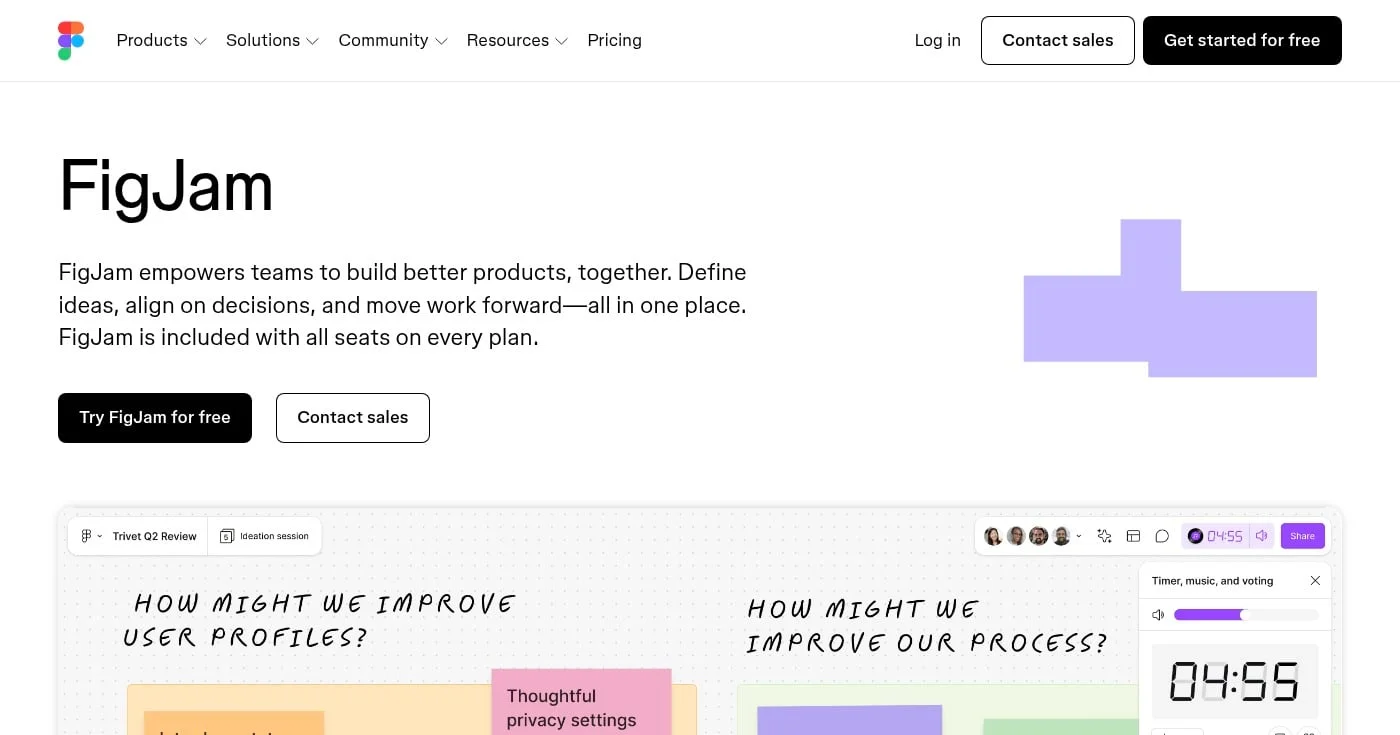
FigJam is Figma's collaborative whiteboard, built for the exact workflows UX designers run every day: design critiques, sprint planning, journey mapping, and brainstorming. It comes included with all Figma seats, which makes the value proposition hard to argue with if your team is already paying for Figma.
The interface mirrors Figma's spatial canvas. Shapes, sticky notes, connectors, and templates behave the way Figma users expect. Real-time multiplayer, emoji reactions, and audio huddles are built in.
Miro has a broader template library and more integrations. FigJam wins on native Figma handoff: you can move components and frames directly from a FigJam session into a Figma design file without re-creating anything. For UX teams, that transition is where Miro consistently loses time.
See FigJam pricing.
Best Miro alternative for design thinking and agile workshops
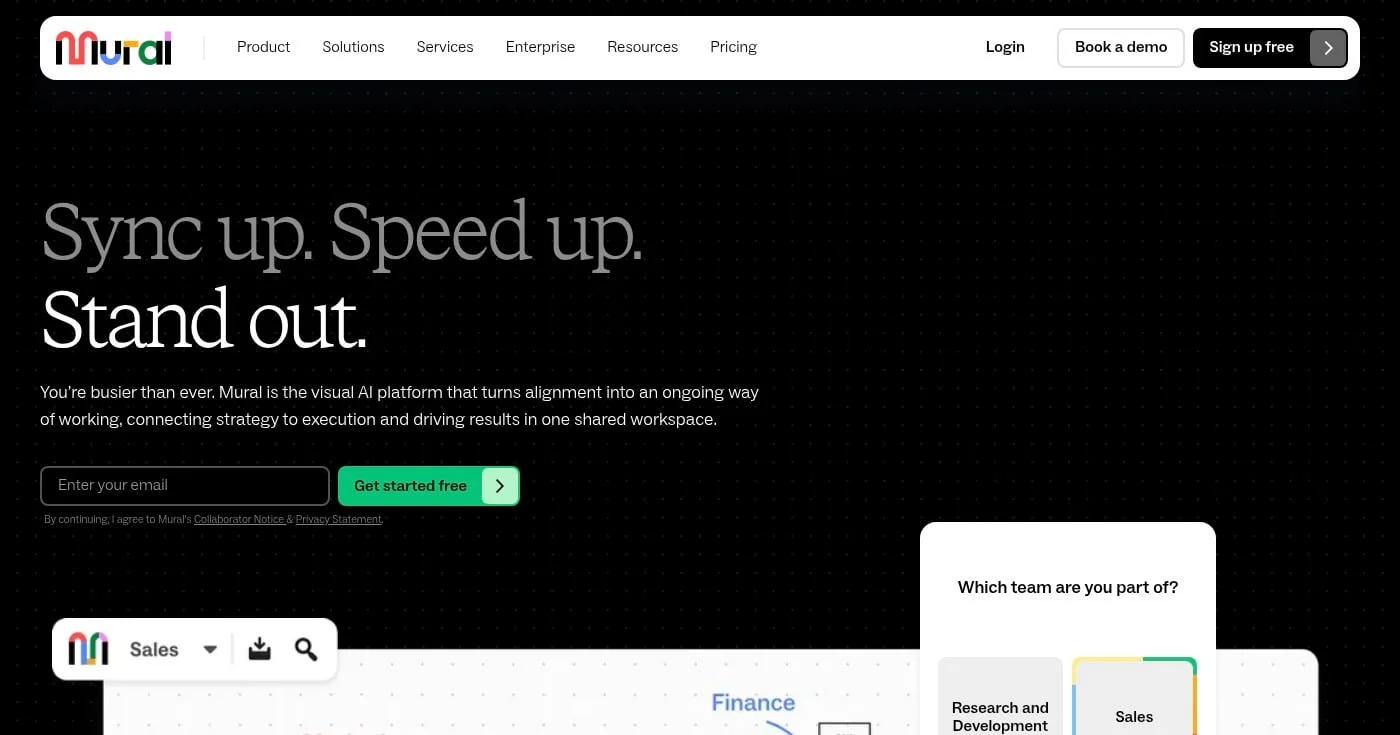
Mural is the strongest Miro alternative for teams that run structured workshops: design sprints, retrospectives, stakeholder alignment sessions, and agile ceremonies. Its facilitation toolkit, including timers, voting, and guided activities, is more developed than Miro's.
Mural has built particular depth for enterprise teams, including Jira two-way sync, role-based access controls, and single sign-on. The AI features focus on summarizing and organizing content on the canvas rather than generating it.
Miral and Miro are the most direct competitors in the market. Mural's facilitation features (structured activities, voting, timers) are more polished. Miro has a larger integration ecosystem and a broader template library. For UX teams running workshops, Mural's structure often produces better facilitation outcomes.
See Mural pricing.
Best Miro alternative for structured activities and visual facilitation
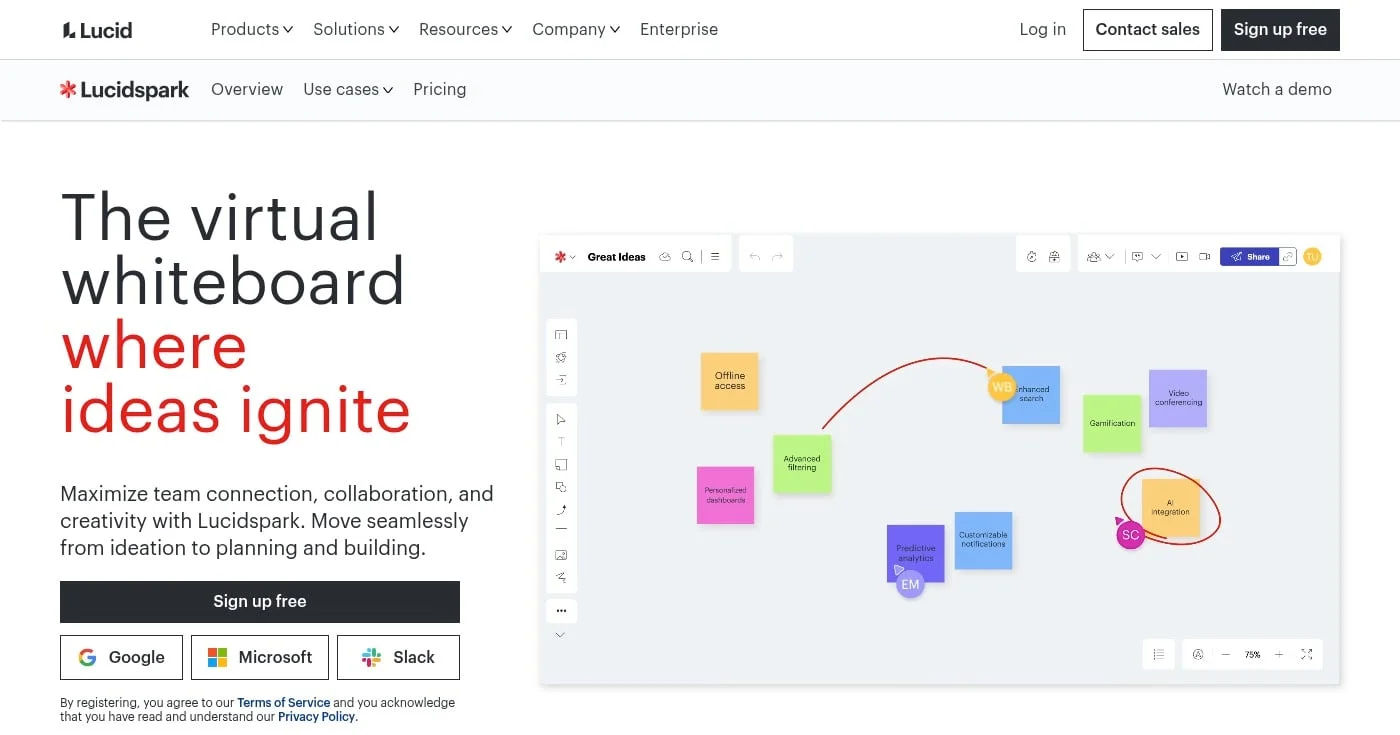
Lucidspark is the whiteboard component of the Lucid visual collaboration suite, which also includes Lucidchart for diagramming. For teams already using Lucidchart for architecture or process diagrams, Lucidspark extends that investment into collaborative whiteboarding without switching tools.
The structured activities (Gather, Sort, Paths) make Lucidspark a strong choice for facilitators who want guided exercises built into the canvas. The AI layer (Lucid AI) can summarize sticky notes, cluster ideas, and generate content directly on the board.
Miro is more flexible and has more templates. Lucidspark's advantage is the integration with Lucidchart: you can pull a process diagram from Lucidchart onto a Lucidspark whiteboard and annotate it in context. For UX teams that document flows in Lucidchart, this pairing eliminates a significant workflow gap.
See Lucidspark pricing.
Best Miro alternative for developers and technical teams
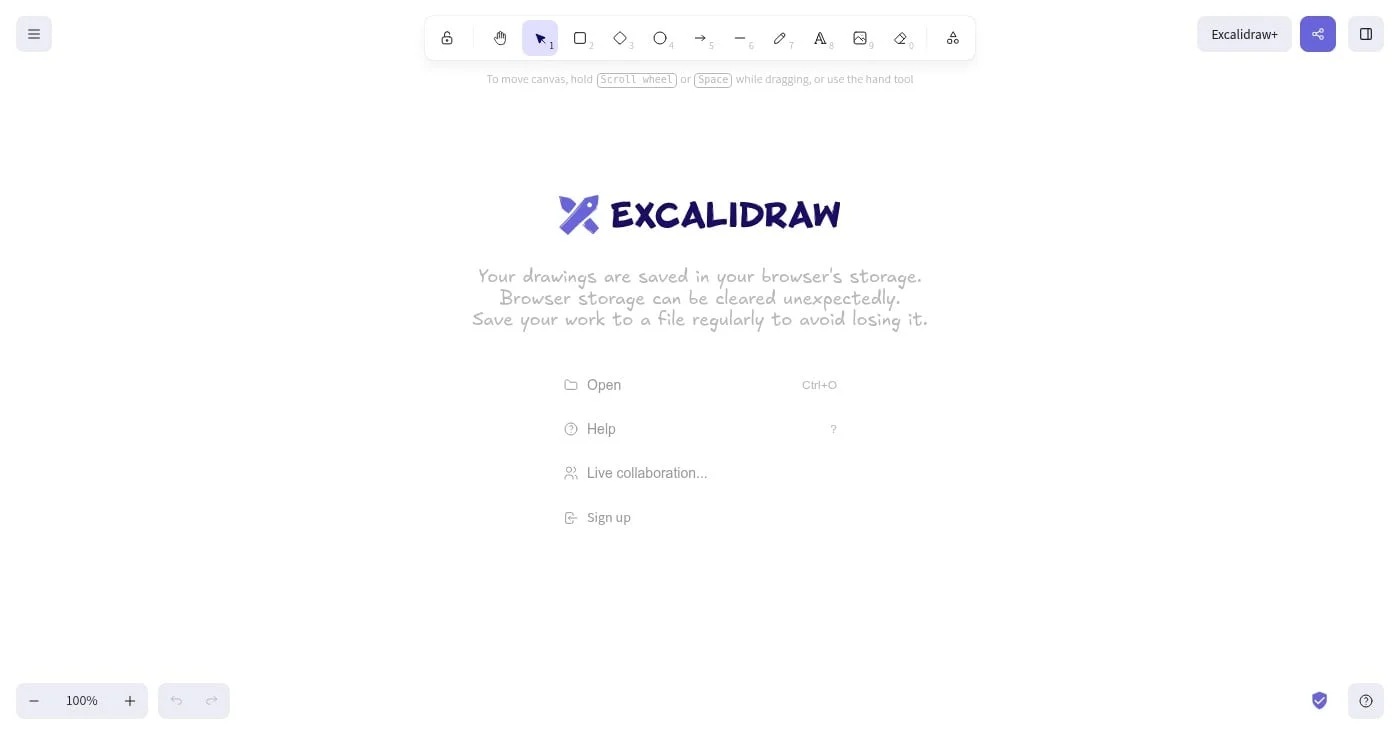
Excalidraw is an open-source virtual whiteboard built around a hand-drawn sketch aesthetic. It is fully free, requires no account for basic use, and can be self-hosted for teams with privacy requirements.
Developers reach for Excalidraw because it renders technical diagrams, architecture maps, and quick wireframes with a clean, informal style that is easy to annotate and share. The Obsidian plugin brings it directly into note-taking workflows.
Miro has far more templates, integrations, and collaboration features. Excalidraw has none of that overhead. For developers who need a fast, no-friction whiteboard for a technical diagram or brainstorm, Excalidraw opens in seconds with no account required. Excalidraw+ adds team collaboration features for paying users.
See Excalidraw.
Best Miro alternative for non-designers and marketing teams
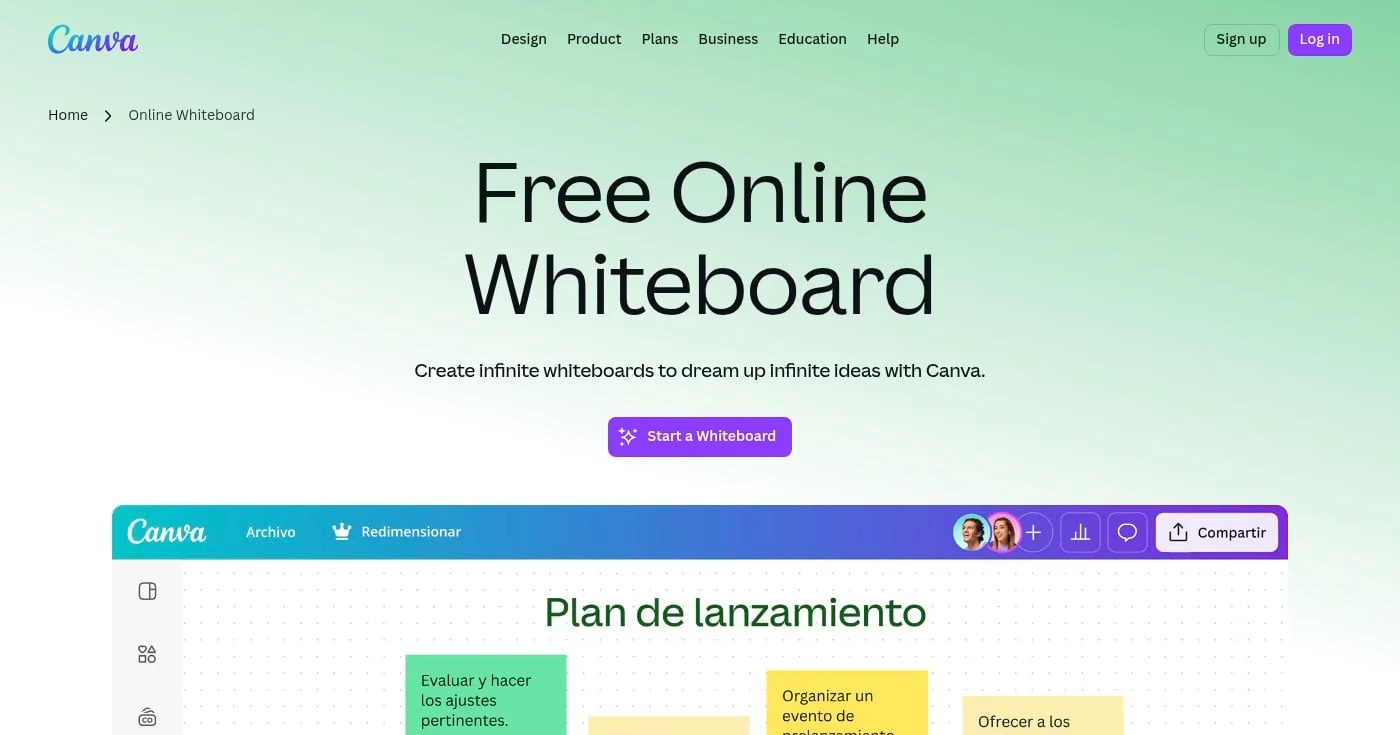
Canva Whiteboard extends the Canva design platform into infinite-canvas collaboration. It is the most accessible option on this list for people who are not designers: the templates are visually polished and easy to use without any design training.
For UX teams working with non-design stakeholders (marketing, leadership, sales), Canva Whiteboard removes the friction of onboarding people to a new tool. Most stakeholders already have a Canva account.
Miro has deeper facilitation features and more UX-specific templates (journey maps, wireframes, design sprints). Canva Whiteboard wins on accessibility and the ability to combine whiteboarding with finished design assets in the same workspace.
See Canva pricing.
Best Miro alternative for product teams doing wireframing and flowcharts
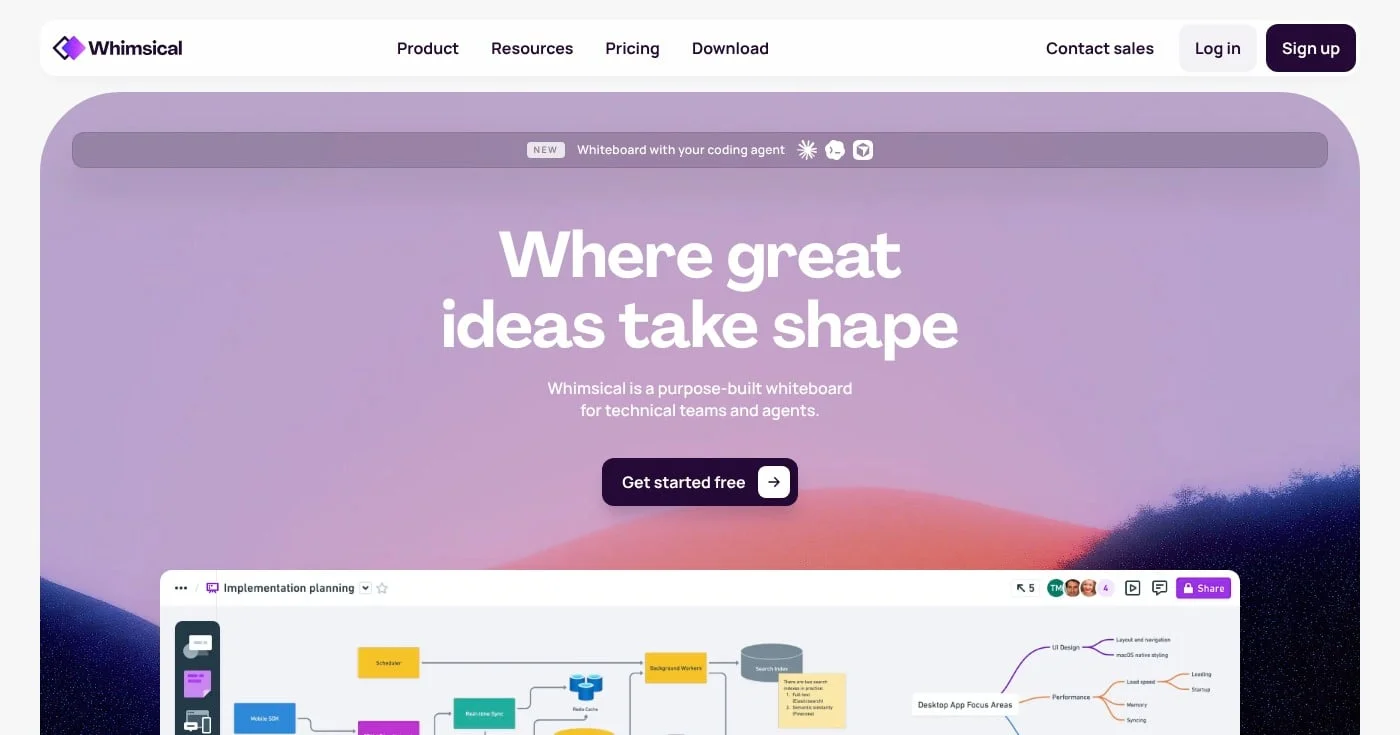
Whimsical is a purpose-built whiteboard designed for technical teams and, increasingly, AI coding agents. It combines whiteboards, flowcharts, wireframes, and mind maps in a single lightweight tool.
Product managers and UX designers who need to wireframe quickly and share with developers find Whimsical faster than Miro for that specific workflow. The wireframing toolkit is simple but capable, and the output is clean enough to use in presentations and documentation.
Miro is more comprehensive. Whimsical is more focused. For teams that primarily need wireframes and flowcharts rather than full-featured collaborative whiteboarding, Whimsical's narrower scope is a feature: it is faster to learn and produces cleaner outputs for handoff.
See Whimsical pricing.
Best Miro alternative for Microsoft 365 and Teams users
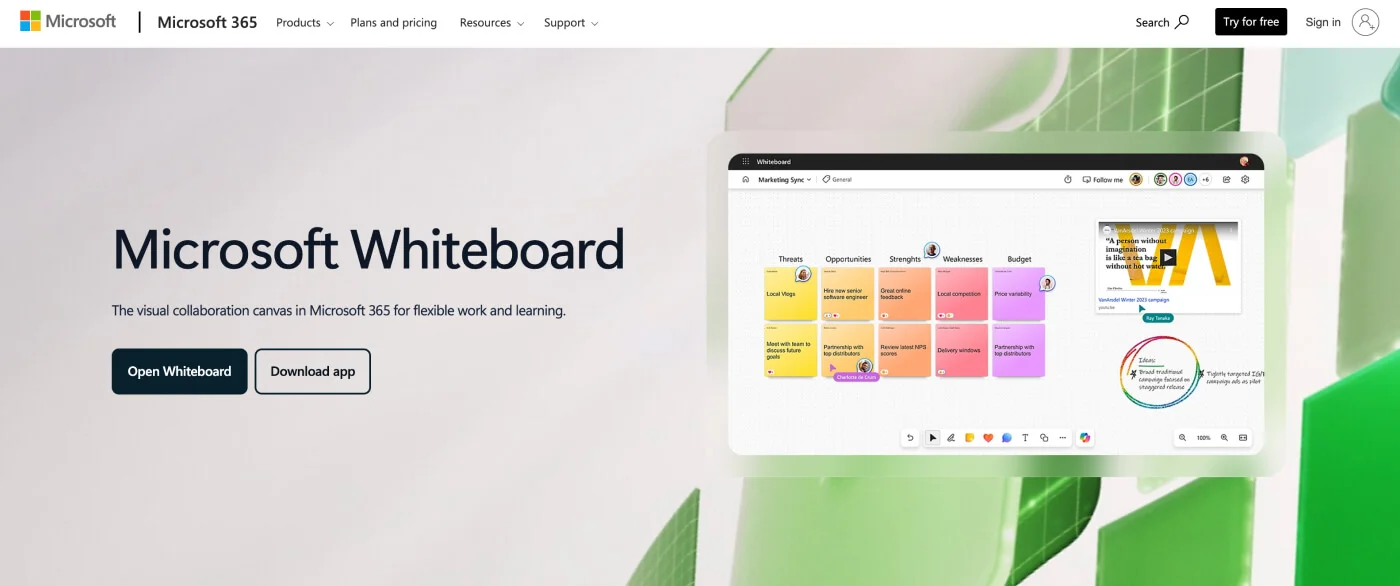
Microsoft Whiteboard is the built-in visual collaboration canvas for Microsoft 365. If your organization runs on Teams, SharePoint, or the Microsoft 365 suite, Microsoft Whiteboard is already available at no extra cost.
The Copilot integration brings AI directly into the whiteboard: categorizing sticky notes, generating templates, and summarizing sessions. For organizations that have invested in the Microsoft AI stack, this makes Microsoft Whiteboard a compelling default.
Miro has more templates and a more refined whiteboarding experience. Microsoft Whiteboard wins on ecosystem integration: it launches from a Teams meeting in one click, and content syncs across Microsoft 365 automatically. For teams whose work lives in Teams, the switching cost to Miro is not justified.
Best Miro alternative for technical diagrams and fully free use
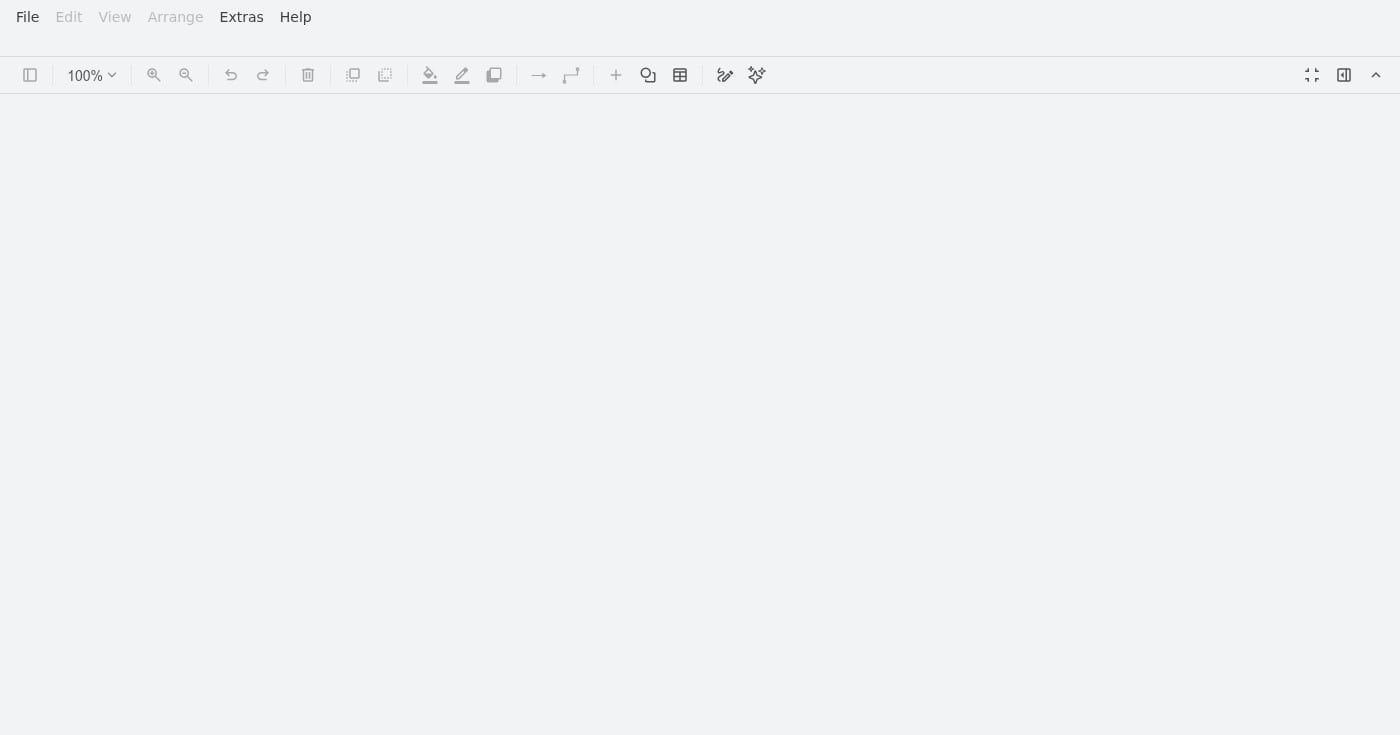
draw.io (also known as diagrams.net) is a completely free, open-source diagramming and whiteboard tool. No account required, no board limits, and it imports Visio, Gliffy, and Lucidchart files.
For UX teams that need flowcharts, user journey diagrams, sitemap structures, and information architecture maps rather than freeform whiteboarding, draw.io handles these with more precision than Miro at zero cost.
Miro is a collaboration-first whiteboard. draw.io is a diagram-first tool. Miro is better for workshops and brainstorming. draw.io is better for structured technical diagrams that need to be accurate and exportable. draw.io also integrates with Confluence and Jira as paid plugins, making it a natural fit for teams in the Atlassian ecosystem.
Free: Fully free, open source. Confluence and Jira plugins available as paid add-ons.
Best Miro alternative for teams that want whiteboarding inside their PM tool
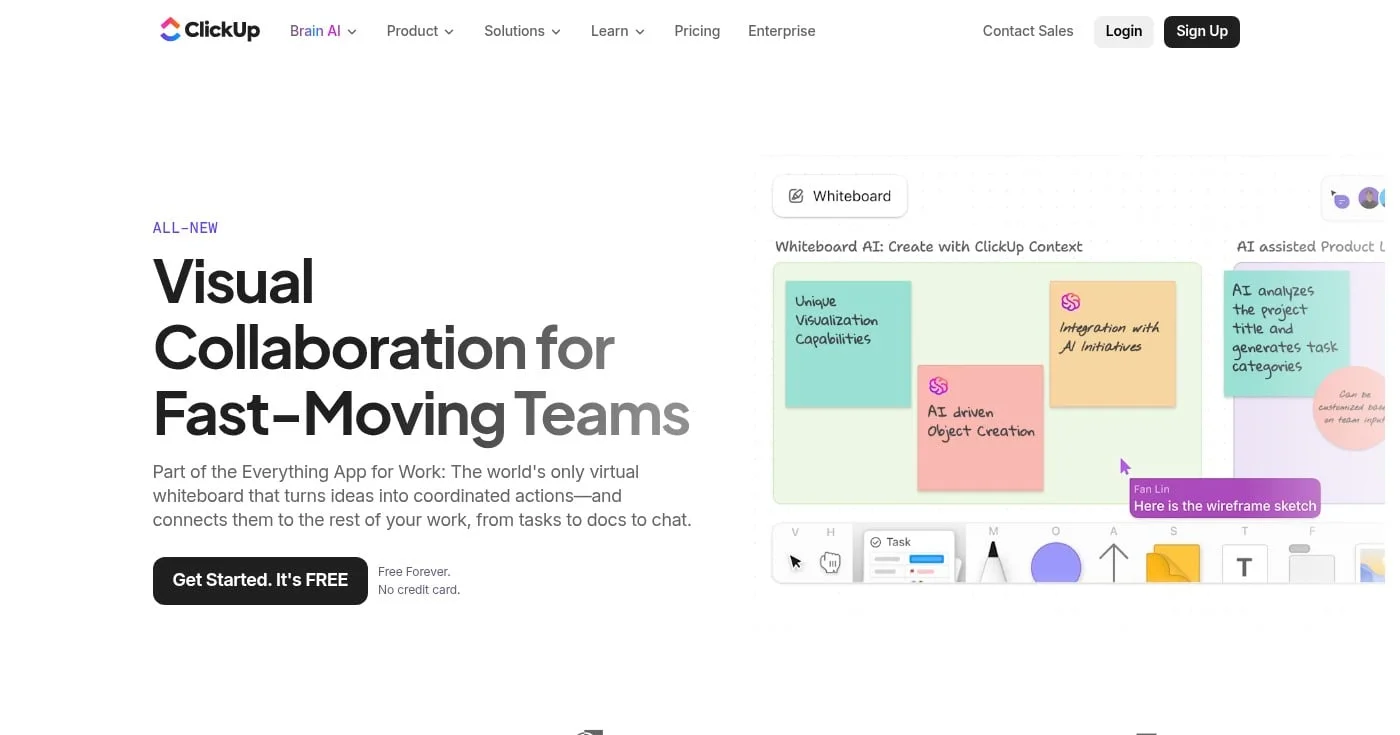
ClickUp Whiteboards solves one of the most common collaboration problems: ideas captured on a whiteboard that never become tasks. In ClickUp, every sticky note, shape, or brainstormed item can be converted into a task and assigned directly from the canvas.
For product teams that run in ClickUp for project management, this integration eliminates the round-trip between Miro and a task manager.
Miro is a standalone whiteboard that integrates with project management tools. ClickUp Whiteboards is a whiteboard built into a project management tool. If your team already uses ClickUp, the whiteboard is included. If you do not, adopting ClickUp to get the whiteboard is a significant commitment.
See ClickUp pricing.
Best Miro alternative for European and privacy-conscious enterprise teams
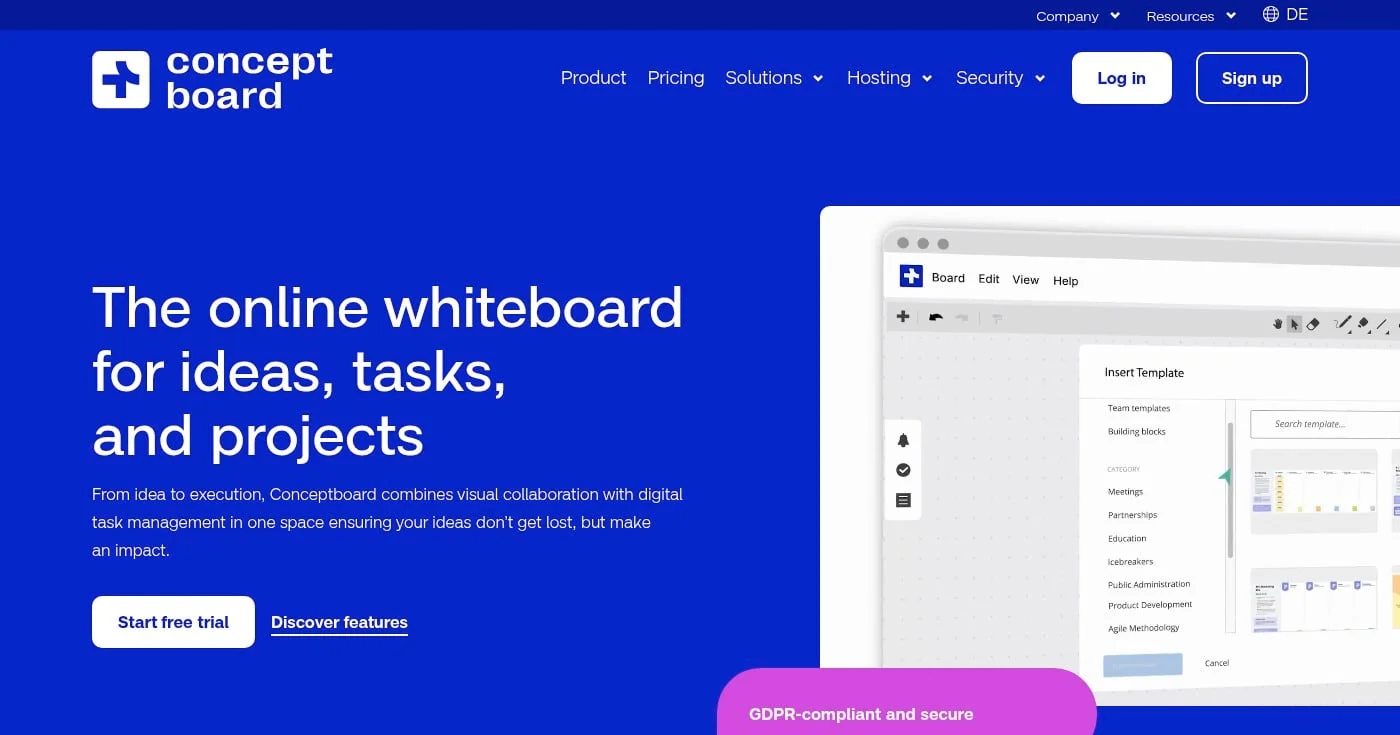
Conceptboard is a collaborative whiteboard built for enterprise teams with strict data residency requirements. Its servers are located in Germany, and the platform is designed to meet GDPR compliance out of the box.
For UX teams at European companies or regulated industries, Conceptboard offers a rare combination: capable whiteboarding with genuine data sovereignty rather than a checkbox compliance policy.
Miro has EU data residency options but they require enterprise contracts. Conceptboard makes GDPR compliance available to smaller teams at lower price points. The whiteboarding feature set is comparable to Miro for core use cases, though the template library and integration ecosystem are smaller.
See Conceptboard pricing.
Miro remains a strong platform for enterprise teams with complex workshop needs, but the alternatives have matured significantly.
FigJam is the clearest upgrade for UX design teams on Figma; Mural wins for facilitated workshops; and Excalidraw or draw.io cover the fully free use case.
The right choice depends on where your team already works and how formal your collaboration needs to be.

Dovetail review for UX research: buy Enterprise if you'll staff the repo. Free is $0 for one project. Vendr median $21,600/year.

Hotjar review for UX researchers: heatmaps show what happened on the live page; surveys ask why. Live pricing, sampling limits, and when Clarity is enough.
13 AI wireframe generators ranked by output type, with real free-tier limits, pricing comparisons, and hands-on picks for UX designers and product teams.
